

A step-by-step guide for updating software.
- Connect device to a power source.
- Connect device to internet. The Sentia analyzer can only check for software updates when connected to internet (via Wi-Fi).
- If a software update is available, an “i” for install will appear on the device Home screen, top left-hand side. *
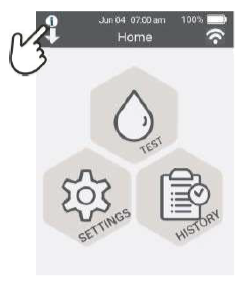
- Touch the “i” icon and permit the new update by pressing

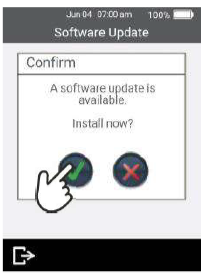
* Note: upon Wi-Fi connection it may take your device some time to recognize that a new software version has become available.